Receipt matching that finds the bank charge
Upload the receipt before or after the charge lands. It still finds its match.
You shouldn’t have to pair paper with bank lines by hand. Upload the receipt whenever it suits you, and DynaTax AI looks for the charge it belongs to. Only the genuinely unclear ones wait for you.
14-day free trial · No credit card required
Included in: Every paid plan
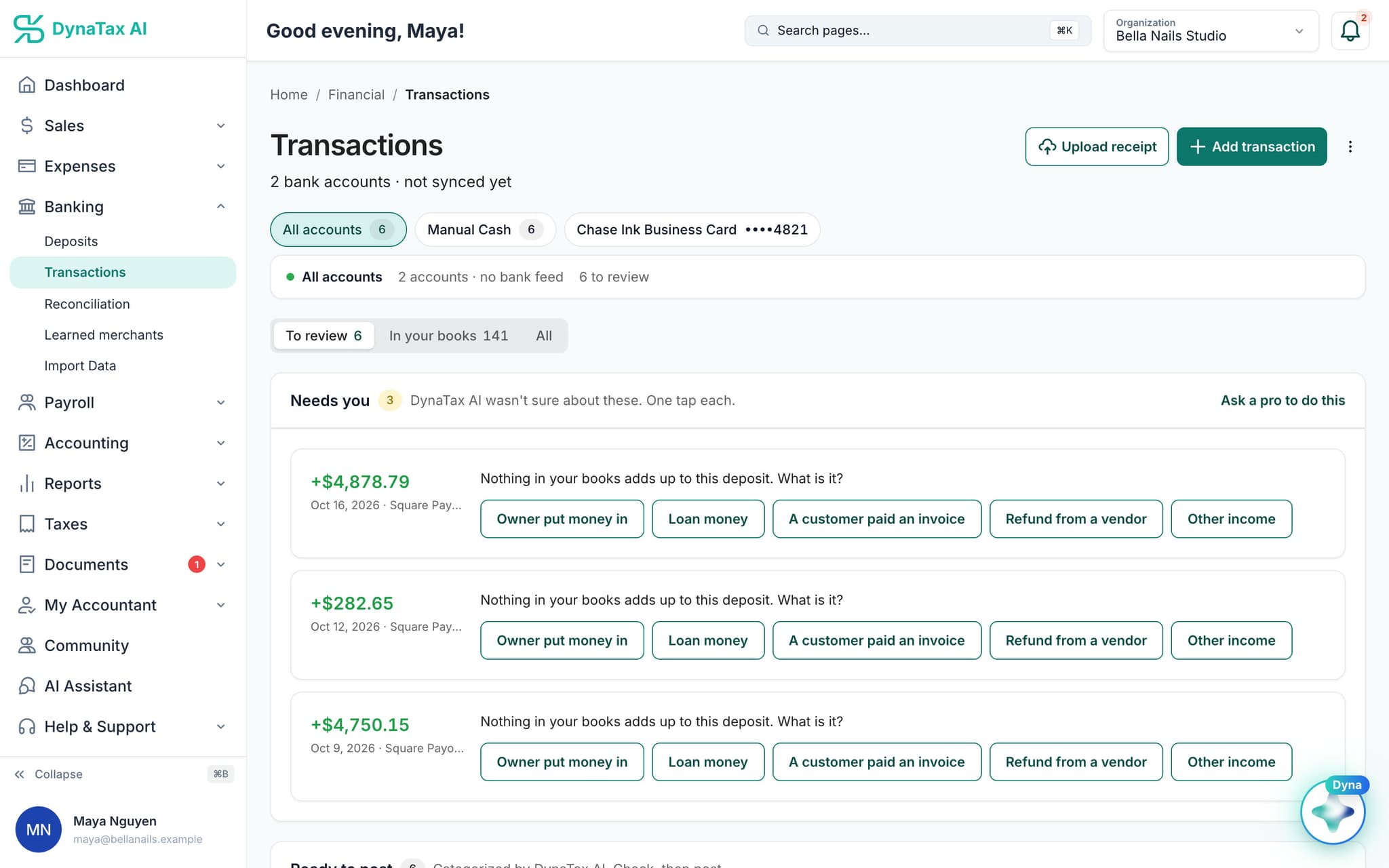
Upload a receipt before or after the charge lands.
What it does
Receipts attach themselves to the bank transaction they belong to, in either order.
Either order works
Upload the receipt days before the charge posts, or weeks after. It waits and attaches itself when the other half arrives.
Amount and date, not filename
Matching reads what is in the receipt, so a file called IMG_4471.jpg still finds its transaction.
You can always override
A wrong match is one click to detach and re-point. Nothing is locked to the AI's decision.
How it works
How receipt matching works
- 1
Send the receipt
Photograph it, forward it, or upload a batch.
- 2
It looks for the charge
Vendor, amount and date are compared against transactions already in your books and ones still to arrive.
dynatax.ai/client/…/dashboard/financial/transactions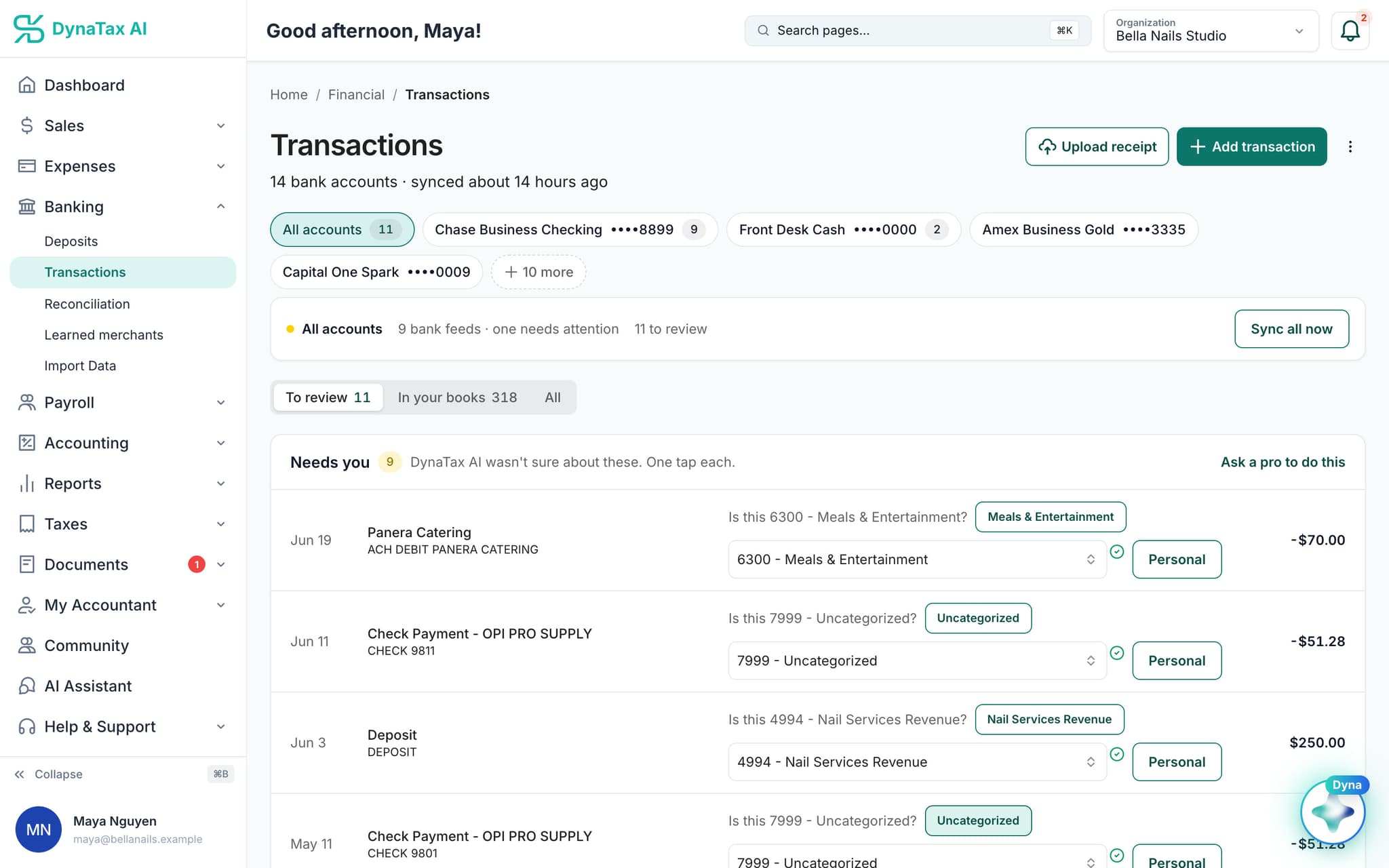
The transactions a receipt is matched against. Sample data.
- 3
It attaches
The receipt lands on the transaction, so the expense has its evidence when someone asks for it.
The details
Receipt matching, in detail
A seven-day search window
DynaTax AI looks for candidate charges within seven days either side of the receipt date. Each candidate is scored on amount, date and vendor, so a card charge that posts a day late still matches.
Built for tips
Restaurant receipts often show the meal while the card was charged with the tip added. The amount scoring allows for that gap, so the signed receipt still finds its charge.
It declines to guess
A receipt is linked without asking only when one candidate clearly stands out. Two identical coffees on the same day are handed to you as a suggestion rather than matched at random.
Store names cleaned up first
Banks rarely show a vendor the way the receipt does. Store numbers, location codes and payment-processor prefixes are stripped before the names are compared.
Trust
Your books, on your terms
Read-only bank connection
You sign in on your bank’s own screen. DynaTax AI can see balances and transactions. It can’t move money.
You stay in control
Nothing posts without your approval, except merchants you’ve already confirmed above the auto-post threshold.
Your data isn’t training data
Your data isn’t used to train AI unless you turn on Allow AI Training. It’s off by default.
A professional when you want one
Invite your own CPA into your books, or find one in the marketplace. Dyna’s answers are general information, not professional advice.
Plans
Where receipt matching is included
Every paid plan. Every plan starts with a 14-day free trial, no credit card required. Pay yearly and get 12 months for the price of 10.
Bring your books with you: import transactions, your chart of accounts, opening balances, customers, vendors, invoices and bills from CSV, Excel or a QBO/OFX bank download. Switching from QuickBooks
- Starter$29 / month · 1 user
- GrowthRecommended$49 / month · 3 users
- Pro$99 / month · 10 users
Related features
Works well with
FAQ
Receipt matching questions
Run your business. Live your life.


Try receipt matching with your own books for 14 days. Less time on the books, more time for everything else.
No credit card required