Real estate bookkeeping, one property at a time
Rent in, repairs out, and the mortgage split into interest and principal. DynaTax AI keeps each rental’s numbers apart, so tax season is a review, not a reconstruction, and your weekends stay yours.
14-day free trial · No credit card required
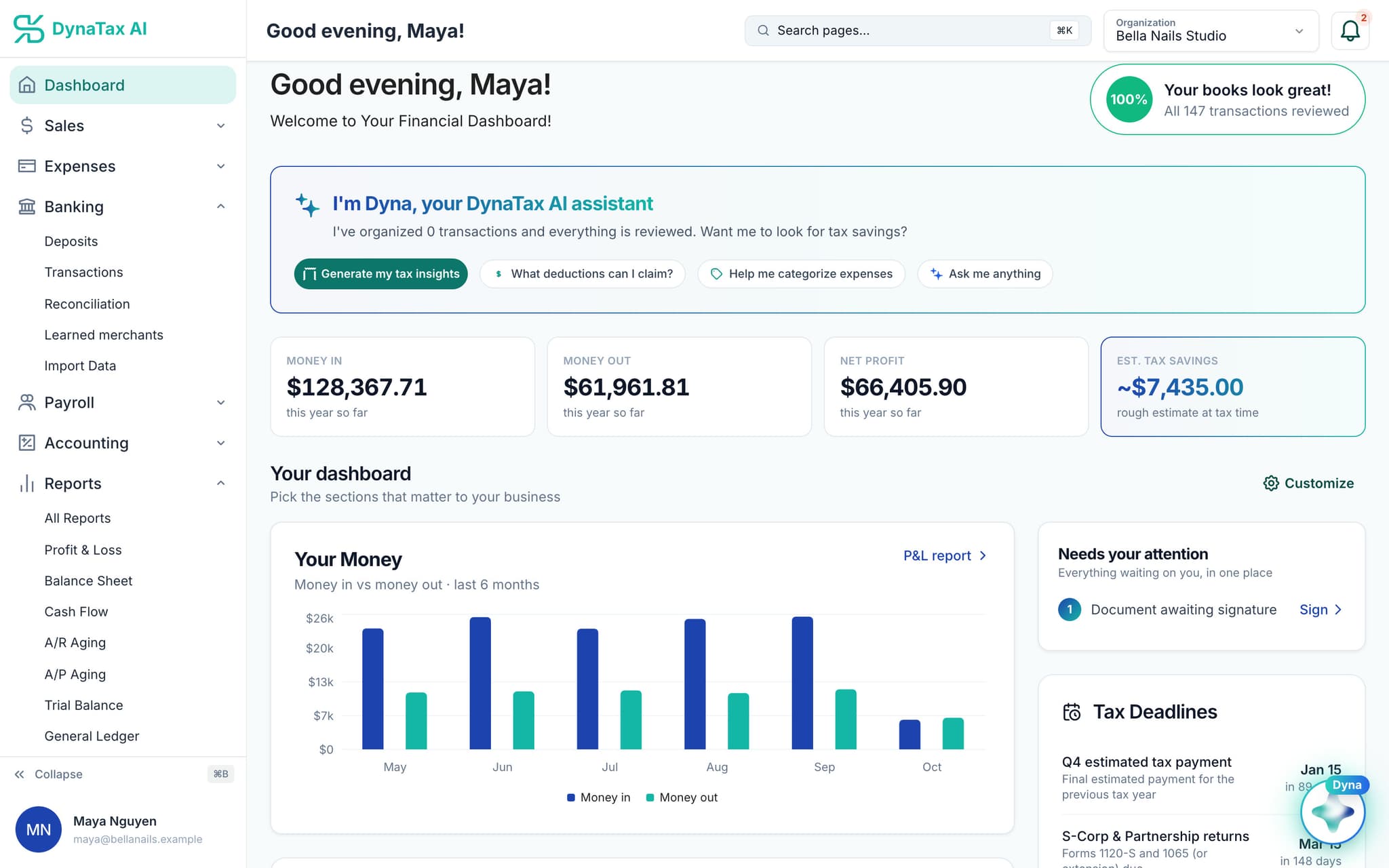
Your week, before and after
Less time on the books than on the tenants
Owning rentals is a business. Keeping their books shouldn’t feel like a second job.
Before
Rent from three units and repairs for all of them run through one account, in one long list.
With DynaTax AI
Every property on its own
Add each rental as a property and tag transactions to it. Rent lands in Rental Income and the repairs stay with the house they belong to.
Before
A new roof, a water heater, a coat of paint. Which ones are repairs, and which get depreciated?
With DynaTax AI
Repair or improvement, asked once
Each property cost asks the question. A repair is expensed this year; an improvement goes to the property’s assets and depreciates.
Before
The mortgage payment is recorded as one lump, and the interest gets sorted out at tax time.
With DynaTax AI
The mortgage, split
Link the loan to the property, and its statement shows the lender, balance, payment and the split between interest and principal.
See it working
The books behind your rentals, on real screens
Shown with sample data from a demo business. Yours fill with your own properties, rent and repairs.
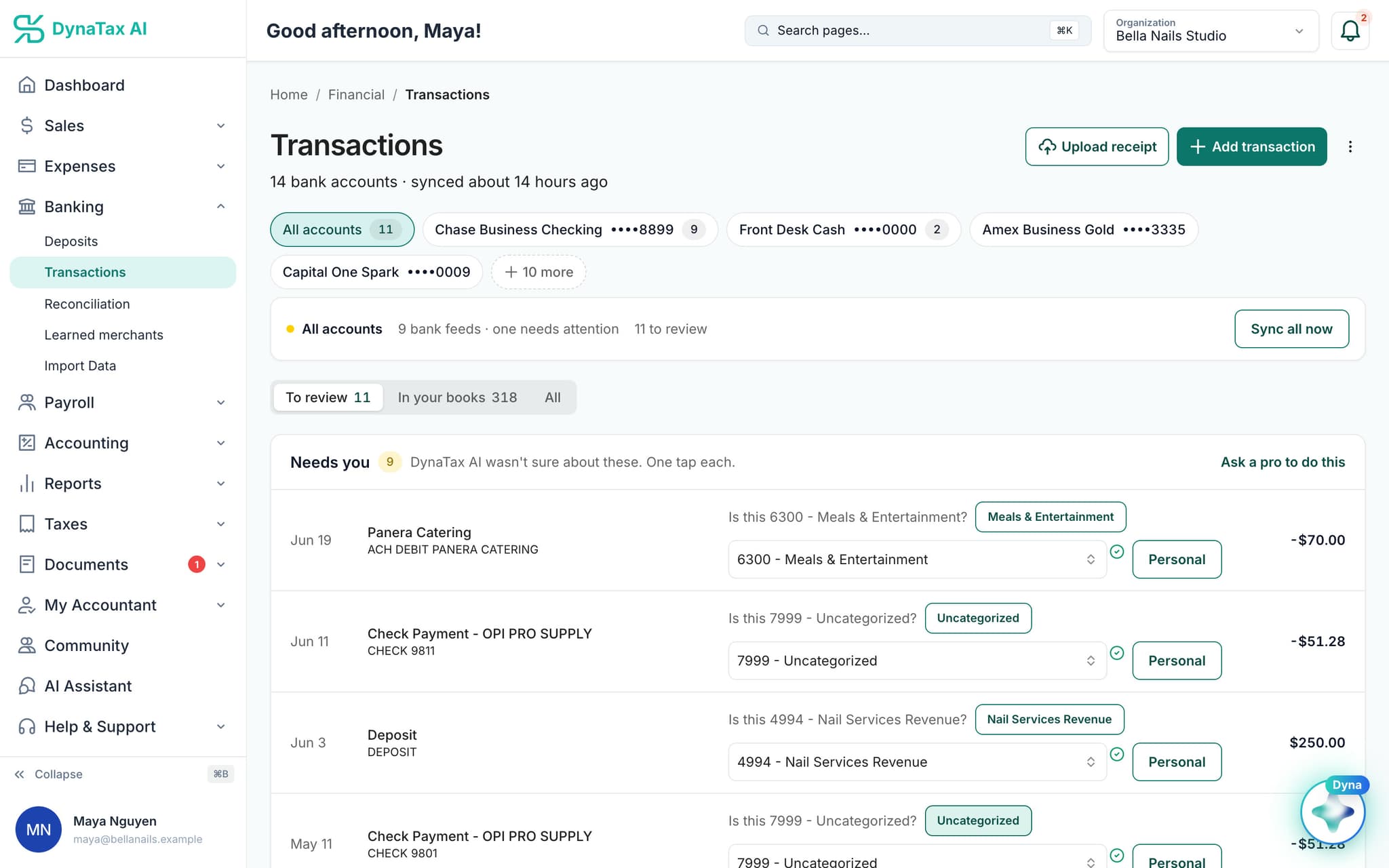
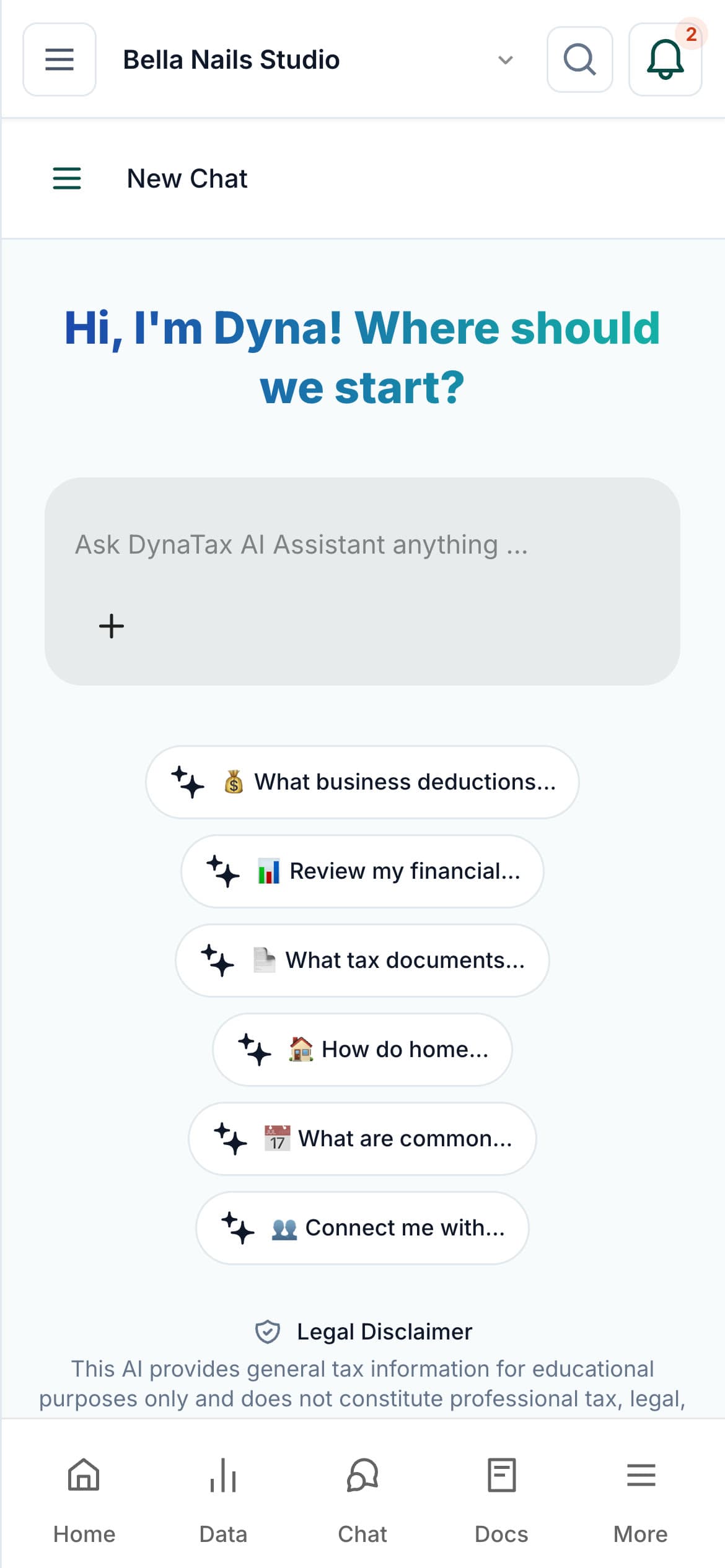
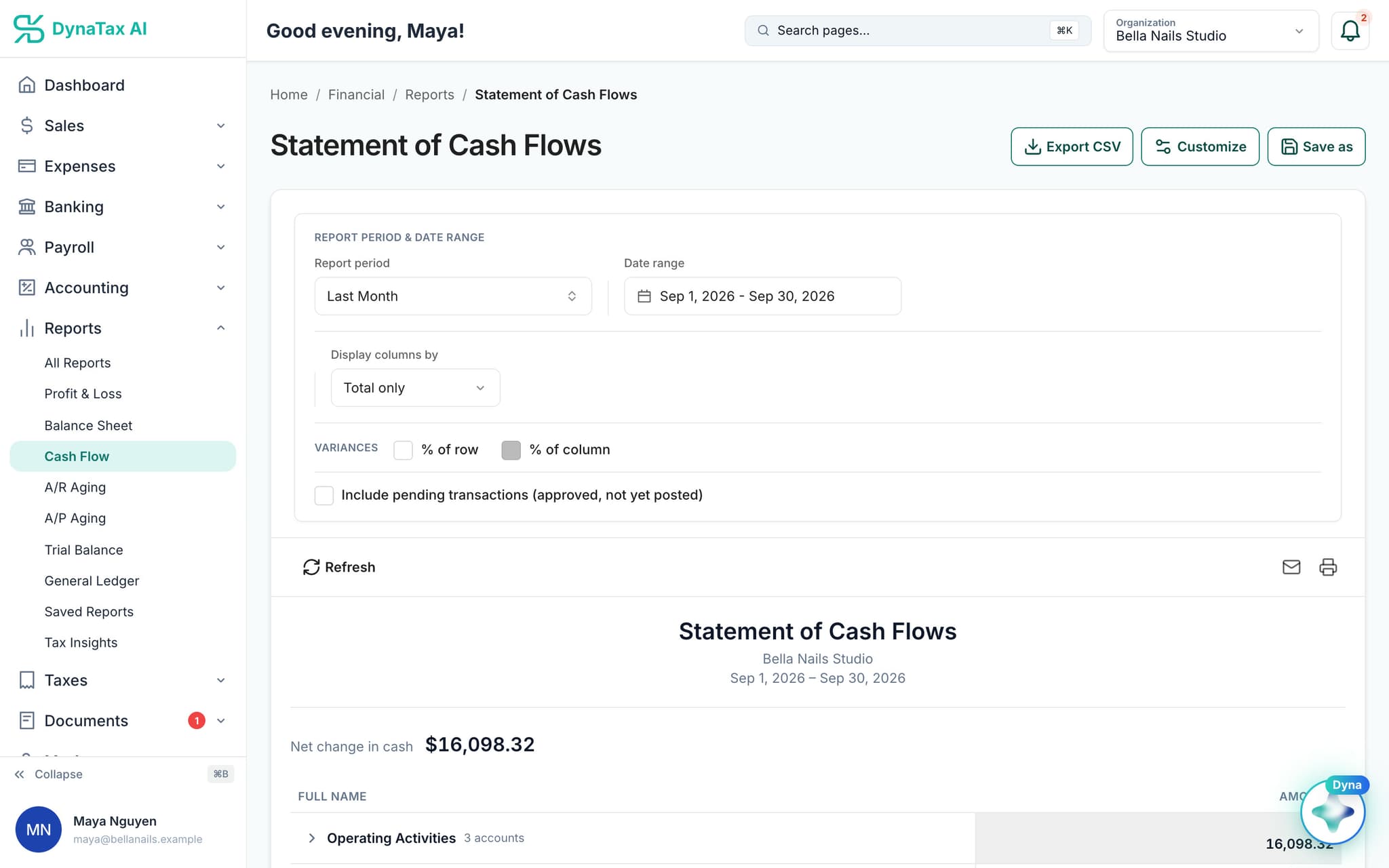
Landlord tools
A Schedule E view for every property
Each property gets its own page, so you can answer “how is the duplex doing?” without building a spreadsheet.
A statement for each property
Rent, expenses and net operating income for the month and the year to date, laid out like Schedule E.
Profit and Loss by Property
One report breaks income and expenses out by rental, on the cash basis landlords report on.
Improvements in their place
Capital work is kept out of repairs, so the P&L and the Schedule E view stay right.
Depreciation, on Pro
The fixed-asset register depreciates buildings and improvements, 27.5 years for residential rentals, and posts it to your books. Build an asset straight from the purchase in your bank feed.
Fixed assets and depreciation are on the Pro plan and above. DynaTax AI doesn’t file Schedule E or handle 1031 exchanges. Invite your own CPA, or find a tax professional in the DynaTax AI marketplace.
Bring your books
Bring your rentals’ history over
Import transactions, your chart of accounts, opening balances and journal entries, then connect your bank so new rent and repairs arrive every day.
From your bank or old software
- CSV
- Excel
- QBO / OFX
What comes in
- Transactions
- Chart of accounts
- Opening balances
- Journal entries
- Customers
- Vendors
- Invoices
- Bills
Each file is checked before anything is written. QuickBooks company files (.QBW, .QBM) can’t be uploaded; export to CSV or Excel first.
Pricing
Start on Growth. Add Pro for depreciation.
Properties, property statements and Profit and Loss by Property work on every paid plan. The fixed-asset register and depreciation are on Pro and above.
Starter
Small Businesses
$29/ month
- Complete double-entry bookkeeping
- Bank feed, receipt capture, reconciliation, close the books
- P&L, Balance Sheet, Cash Flow, General Ledger, Trial Balance
- Invite your own CPA into your books — messages, tasks, e-sign
- 1 user · 50 GB storage · 500 AI queries/month
Growth
Growing Businesses
$49/ month
- Complete double-entry bookkeeping
- Bank feed, receipt capture, reconciliation, close the books
- P&L, Balance Sheet, Cash Flow, General Ledger, Trial Balance
- Invite your own CPA into your books — messages, tasks, e-sign
- 3 users with roles and permissions
- 100 GB storage · 850 AI queries/month
Pro
Established Businesses
$99/ month
- Everything in Growth, plus:
- Inventory & cost of goods sold
- Fixed assets & depreciation
- Job costing — cost codes and construction loan draws
- AI Tax Insights — what you owe, from your own books
- 10 users with roles and permissions
- 200 GB storage · 1,700 AI queries/month
Every plan starts with a 14-day free trial. No credit card required.
Compare all plansFAQ
Common questions
Also built for
Run your business. Live your life.


Keep every property’s books straight without giving up your weekends. Try DynaTax AI free for 14 days.
14-day free trial · No credit card required