Tax software export
Meet the software you already file with.
Keep filing in the software you trust. Reviewed books leave DynaTax AI in a format your tax software reads, so the season goes on judgement calls instead of retyping a trial balance line by line.
Solo Pro: $0 for 6 months, then $39.99/month
Included in: Professional plans
What it does
Export reviewed books to Drake, ProSeries, Lacerte, UltraTax or CSV — TXF for Schedule C, a trial balance for entities.
Keep filing where you file
Reviewed books leave in a format your tax software reads, rather than forcing a new filing workflow.
Schedule C by TXF
Sole proprietors export as TXF, which ProSeries and Lacerte import, with categories mapped to Schedule C lines.
No double entry
The data moves; you do not retype it.
How it works
How tax software export works
- 1
Prepare in DynaTax AI
Books, documents and figures in one workspace.
dynatax.ai/pro/…/clients/bookkeeping/overview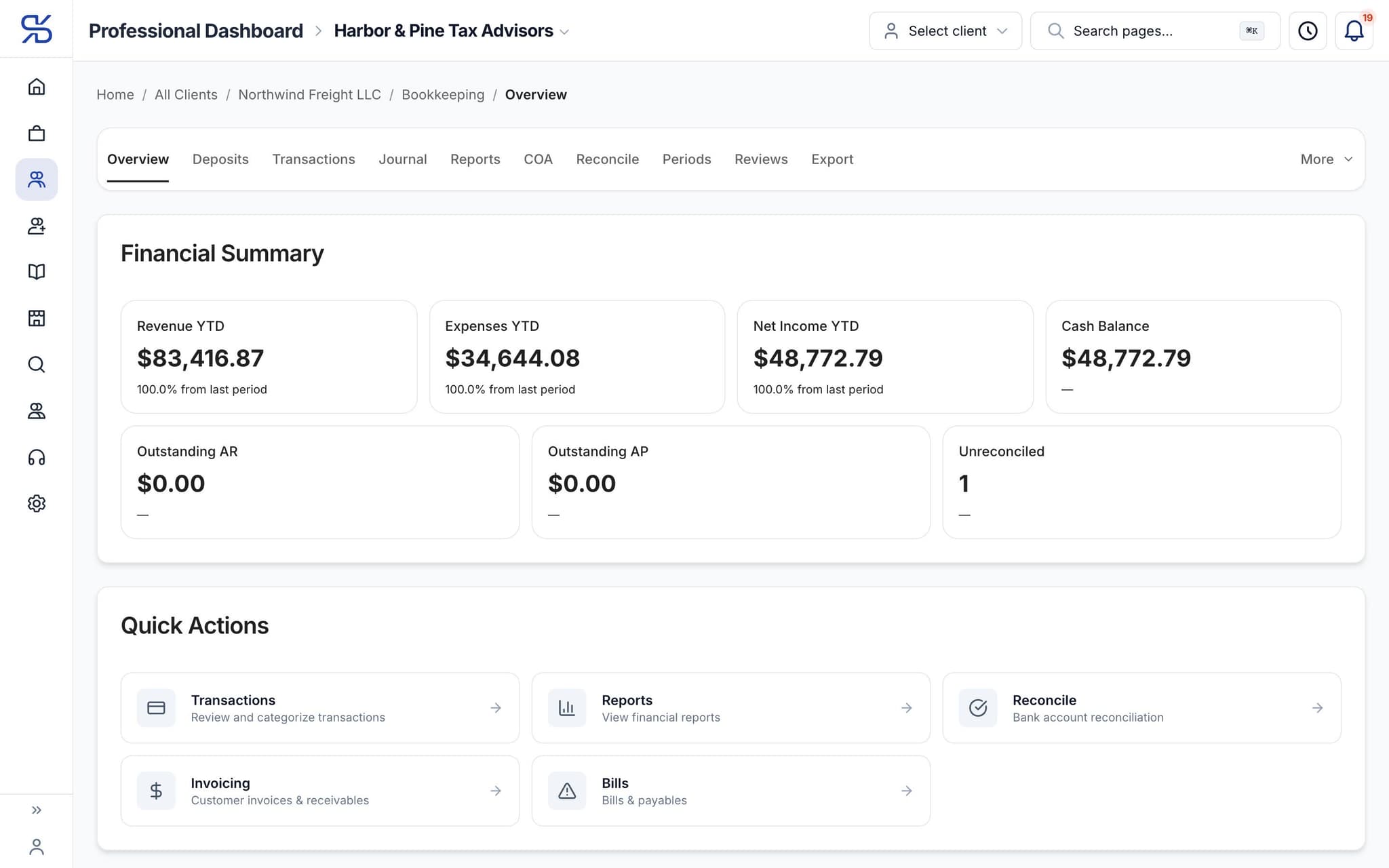
A client’s books from the pro portal, with Export one tab away. Sample data.
- 2
Export
Pick TXF, Drake Trial Balance, ProSeries CSV, Lacerte CSV, UltraTax CSV or a generic CSV.
- 3
File as you always have
Your filing software does not change.
The details
Tax software export, in detail
Six export formats
From a client’s Bookkeeping → Export screen, choose TXF, Drake Trial Balance, ProSeries CSV, Lacerte CSV, UltraTax CSV or a generic CSV, for the tax year and entity type you confirm.
Drake trial balance bundle
For 1120-S, 1065 and 1120 returns, the export is a trial-balance CSV with each GL account mapped to its Drake import reference, plus up to five detail files for the supporting statements.
TXF for Schedule C
Sole proprietors export as a TXF file, which ProSeries and Lacerte import directly, with each transaction category mapped to the Schedule C line it belongs on. No retyping expense lines.
Checked before it leaves
The export tells you how many accounts went out and whether the trial balance is balanced, so an imbalance gets fixed in the books before it ever reaches the return.
Pro Workspace
One workspace for the whole practice
Clients, documents, research, time and your own books in one place, so the season runs on fewer tabs and fewer late nights. Everything below comes with the professional plans.
For your practice
Tax software export comes with the pro plans
Professional plans. Solo Pro: $0 for 6 months, then $39.99/month. Firm Plan: $99.95/month for 12 months, then $150/month.
Solo Pro
$0
For 6 months, then $39.99/month
Firm Plan
$99.95
For 12 months, then $150/month
Related features
Works well with
FAQ
Tax software export questions
Run your practice. Live your life.


Solo Pro: $0 for 6 months, then $39.99/month. Bring your clients and your firm into one workspace.