Time tracking for every client engagement
Time that makes it onto the bill.
Stop rebuilding the month from memory on the last Friday. Track time as you work, approve it once and bill it, so the hours the team puts in turn into revenue instead of a guess.
Solo Pro: $0 for 6 months, then $39.99/month
Included in: Professional plans
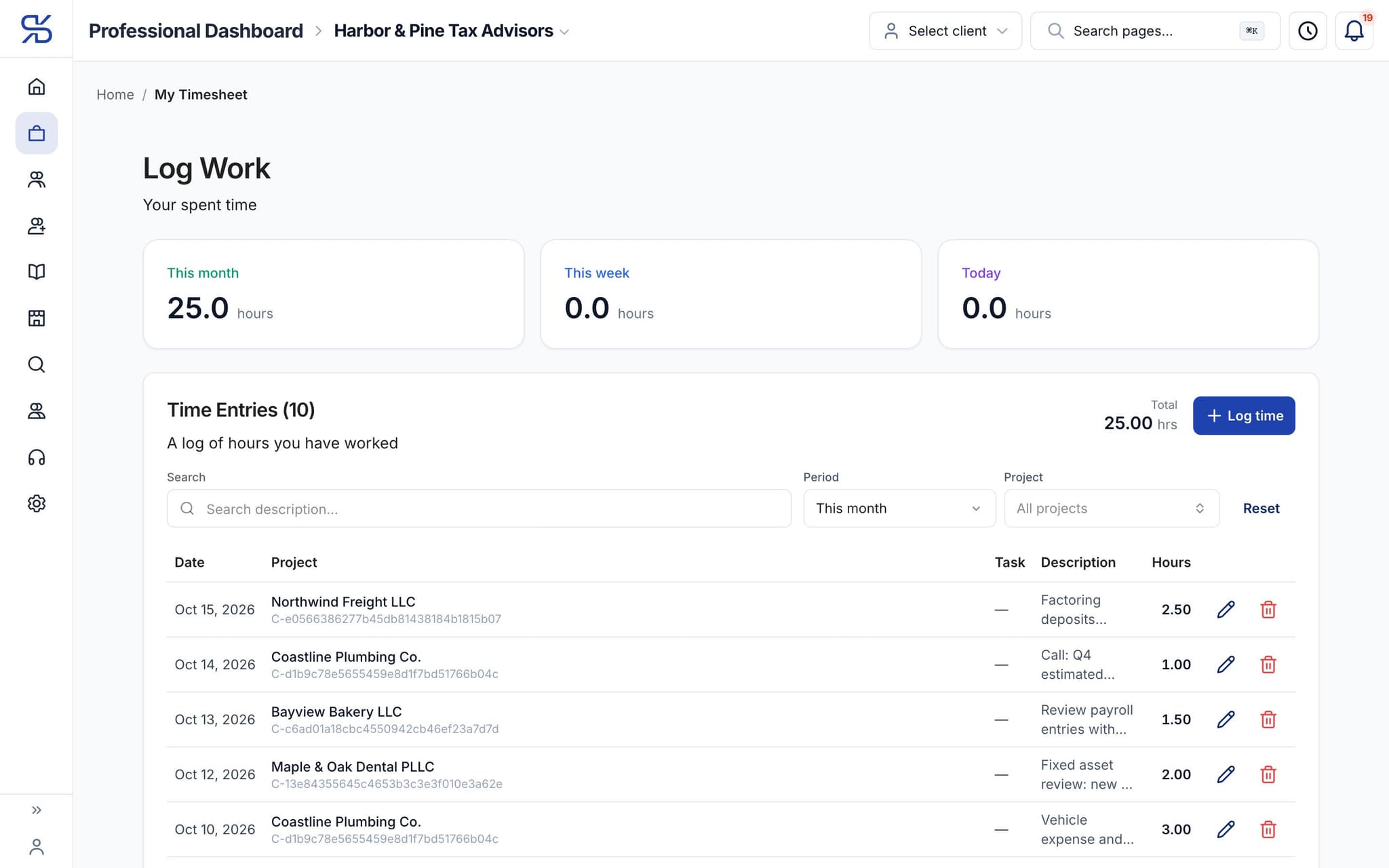
A timesheet: hours this month, this week and today, and each entry against a client project. Sample data.
What it does
Track time against an engagement and pull it straight onto an invoice.
Timers or entries
Run a timer while you work, or record time after the fact.
Approval before billing
Time can be reviewed, approved or rejected before it reaches an invoice.
Straight onto the bill
Approved time becomes invoice lines instead of a re-typed summary.
How it works
How time tracking works
- 1
Track it
Start a timer against an engagement, or enter hours directly.
dynatax.ai/pro/…/firm/projects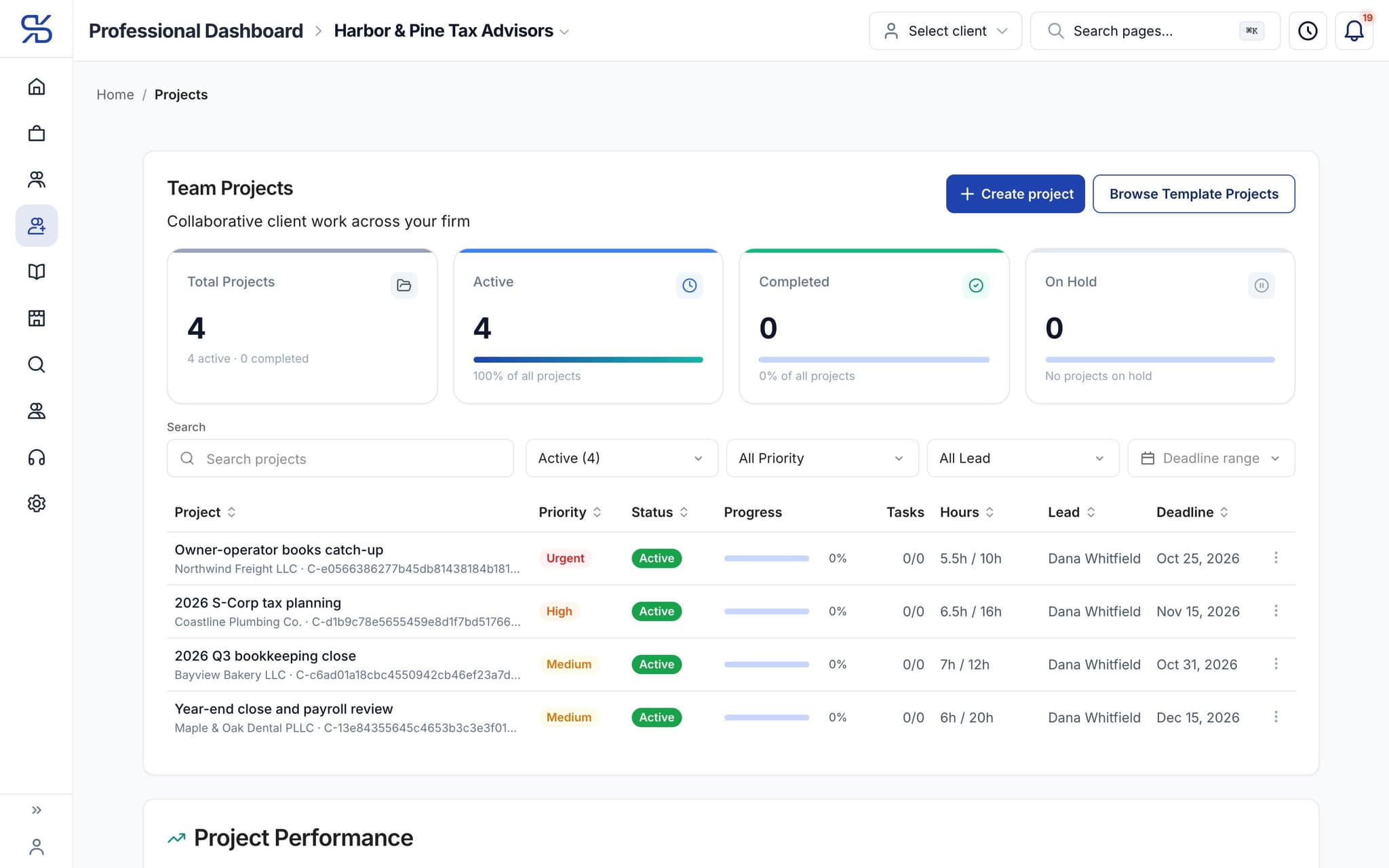
Logged hours roll up against each project’s estimate.
- 2
Review it
Submitted time is approved or sent back.
- 3
Bill it
Approved time flows onto the client's invoice.
dynatax.ai/pro/…/firm/invoices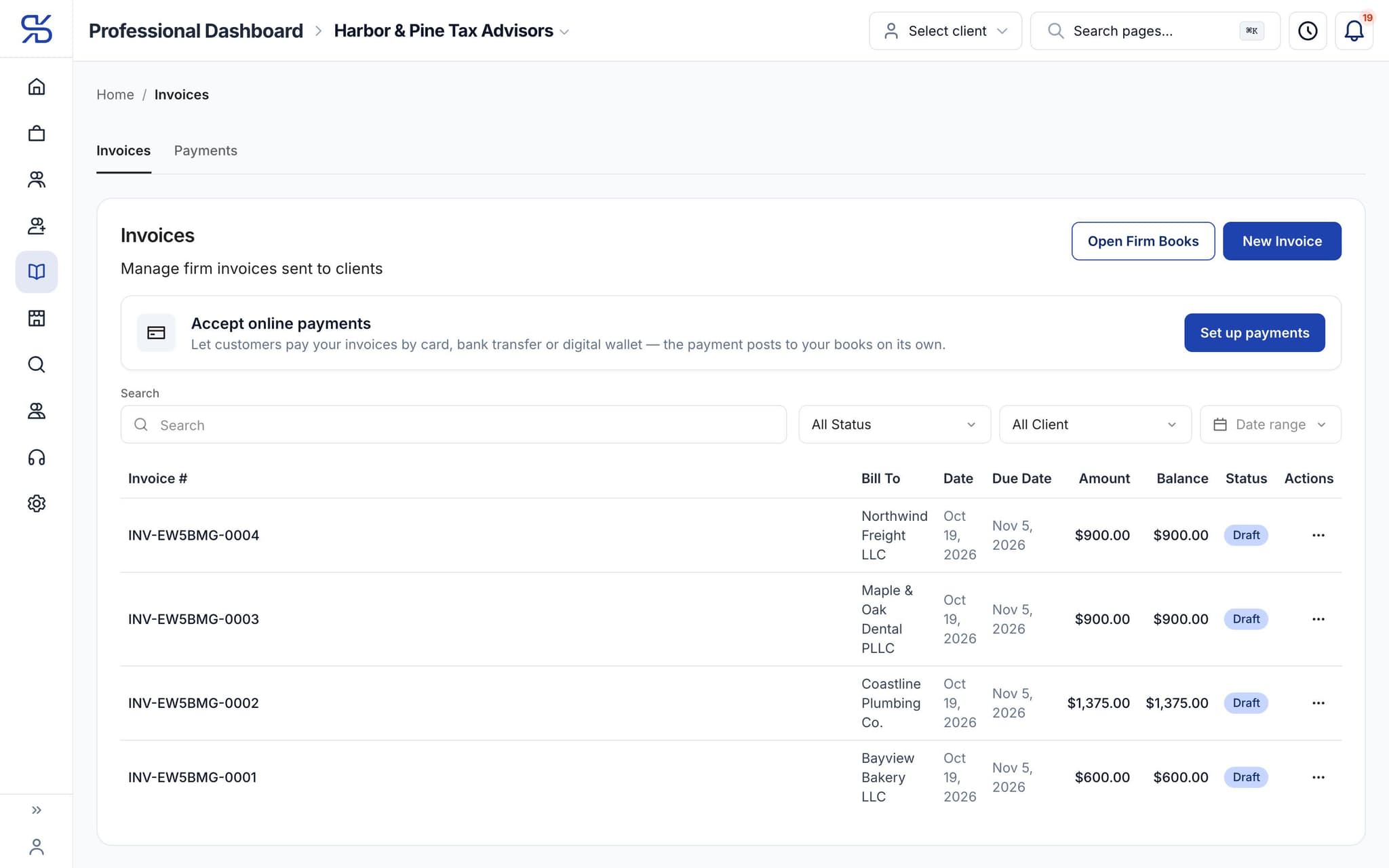
Invoices to each client, with amount, balance and status. Sample data.
The details
Time tracking, in detail
Billable or not, per entry
Mark each entry billable or non-billable. The timesheet totals both, with the billable amount worked out at each person’s hourly rate, so you see what the month will bill and where the rest of the time went.
One team timesheet
Filter the firm’s time by client, project, member, task, status and date range. Approve entries, send them back to draft or re-mark them billable in bulk, rather than one at a time.
A clear status trail
Each entry moves from draft to submitted to approved, and to invoiced once it is on a bill. At a glance you can tell which hours are already billed and which are still waiting.
A rate for each person
Set an hourly bill rate for each member from their profile. Time they log is valued at that rate on the timesheet, so billable amounts are right without a spreadsheet beside them.
Pro Workspace
One workspace for the whole practice
Clients, documents, research, time and your own books in one place, so the season runs on fewer tabs and fewer late nights. Everything below comes with the professional plans.
For your practice
Time tracking comes with the pro plans
Professional plans. Solo Pro: $0 for 6 months, then $39.99/month. Firm Plan: $99.95/month for 12 months, then $150/month.
Solo Pro
$0
For 6 months, then $39.99/month
Firm Plan
$99.95
For 12 months, then $150/month
Related features
Works well with
FAQ
Time tracking questions
Run your practice. Live your life.


Solo Pro: $0 for 6 months, then $39.99/month. Bring your clients and your firm into one workspace.